A network built for how your office actually works.
Fast WiFi, separate guest and device networks, a business firewall, and documentation your team can trust.
The problem
Many offices still run on the ISP router with one flat WiFi network. Guest traffic mixes with POS and staff devices. Coverage dies in the warehouse or conference room. Nobody has a diagram or knows the admin password.
What you get
- Site survey and WiFi design
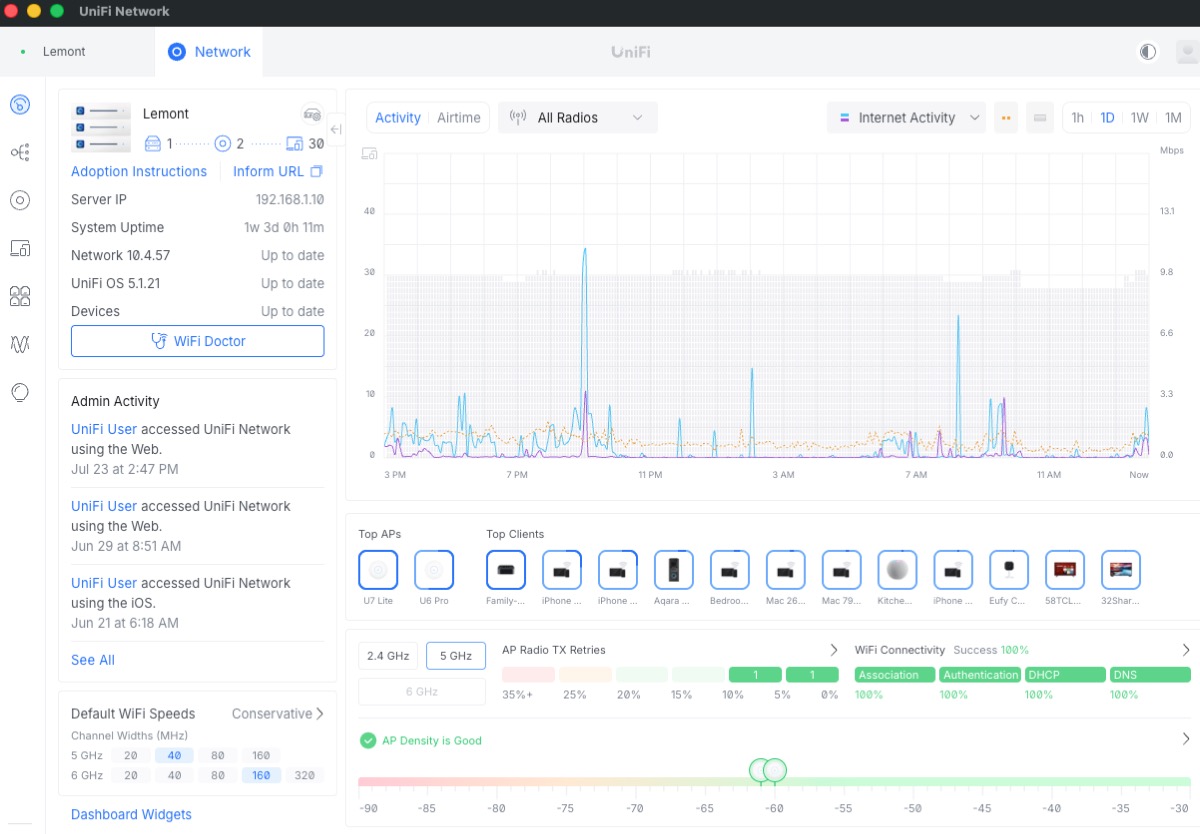
- UniFi (or equivalent) access points, switches, and gateway
- Separate staff, guest, and device (printer/POS/camera) networks
- Business firewall with VPN for remote staff
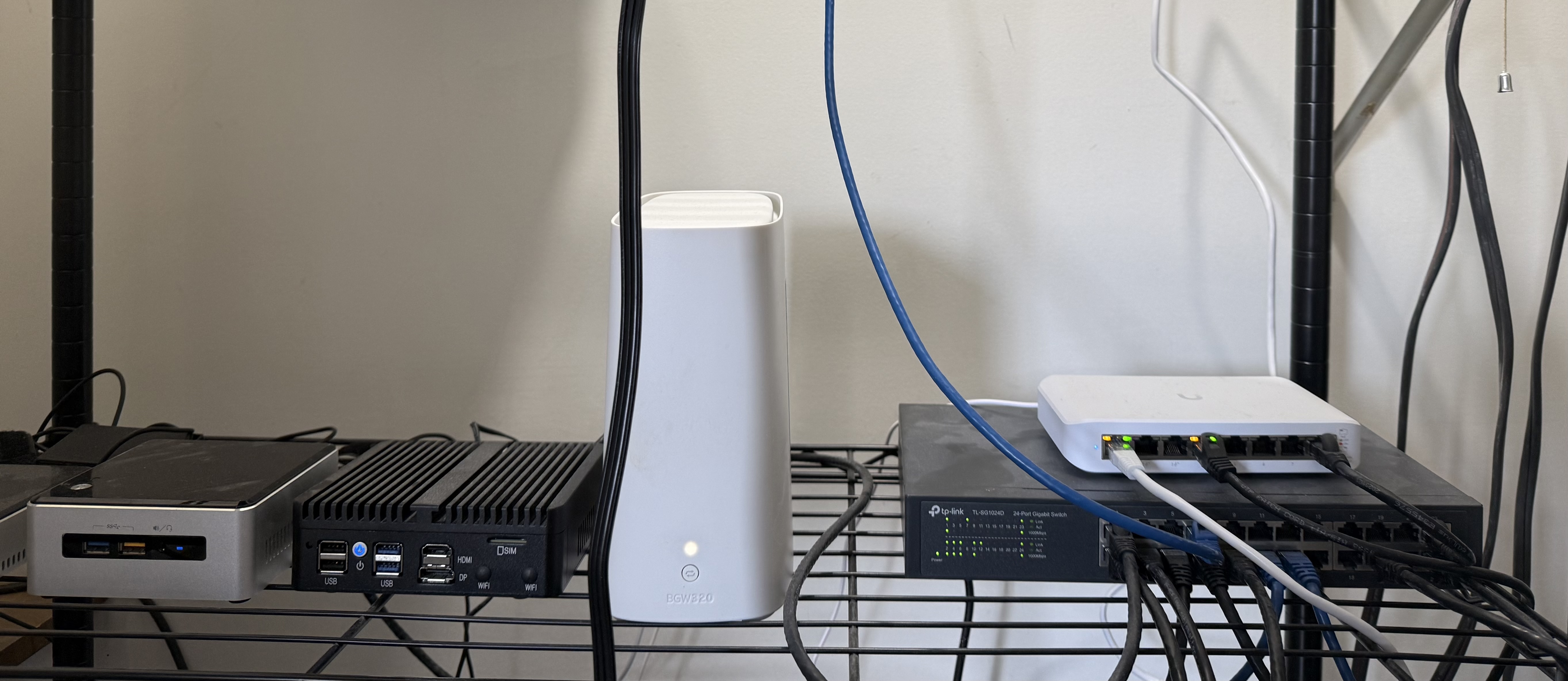
- Structured cabling and clean rack/closet
- Printer and POS connectivity
- ISP coordination and failover option
- Network documentation (diagram, IP plan, passwords in a password manager)
How it works
-
Step 1
Survey
Walk the space, measure coverage needs, and list devices.
-
Step 2
Design
Plan AP placement, VLANs, and firewall rules.
-
Step 3
Install
Mount gear, cable cleanly, and cut over with minimal downtime.
-
Step 4
Document
Diagram, IP plan, and credentials stored for you.
Who it is for
Offices with slow or patchy WiFi, retail POS issues, warehouses needing coverage, or anyone moving into a new suite.
Frequently asked questions
Why not just use the ISP router?
ISP gateways are fine for a single apartment. Offices need better coverage, guest separation, VPN, and admin control that does not reset when the modem does.
How many access points do we need?
It depends on square footage, walls, and density of devices. A site survey answers this better than a guess.
Can you work after hours?
Yes. Network cutovers are often scheduled evenings so staff are not offline mid-day.
Do you handle cabling?
Yes for typical office runs and clean closet work. Larger construction cabling may involve a low-voltage partner.
What does it cost to upgrade a small office?
Cost depends on square footage, AP count, cabling, and equipment tier. Book a checkup for a fixed written quote. See also the network cost article in Resources.
Not sure where to start?
Book a free 30-minute IT checkup. We will look at your email, backups, network, and security, and tell you plainly what matters and what does not.